
NovaEval overview
Turn normalized dataset items into repeatable quality evidence with compatible scorers, bounded runs, and item-level reasoning.
NovaEval scores versioned dataset items with published or organization custom scorers. An eval job saves one dataset, scorer configurations, and thresholds. Each run records the selected population, execution status, and results.
Before you start
You need:
- a populated dataset;
- the StandardData fields required by the checks you plan to run;
- an AI provider when a selected scorer uses an organization-configured judge; and
- enough credits for the eligible item and Premium-scorer combinations shown in the run preview.
Start with representative items. NovaEval cannot reconstruct missing tool calls, retrieval context, audio, or reviewed ground truth.
Choose scorers that answer a decision
The public directory contains 112 published scorers across 15 categories, and the organization can add private custom scorers. Search or filter the directory, open a scorer's details, and confirm:
- its required input fields;
- its numeric scale and pass threshold;
- its Free or Premium classification; and
- whether it needs a configured provider.
The scorer recommender ranks likely compatible scorers from a dataset sample. It does not decide which business behavior matters. Keep the final set small enough that every result informs a release or investigation decision.
Create and run the first evaluation
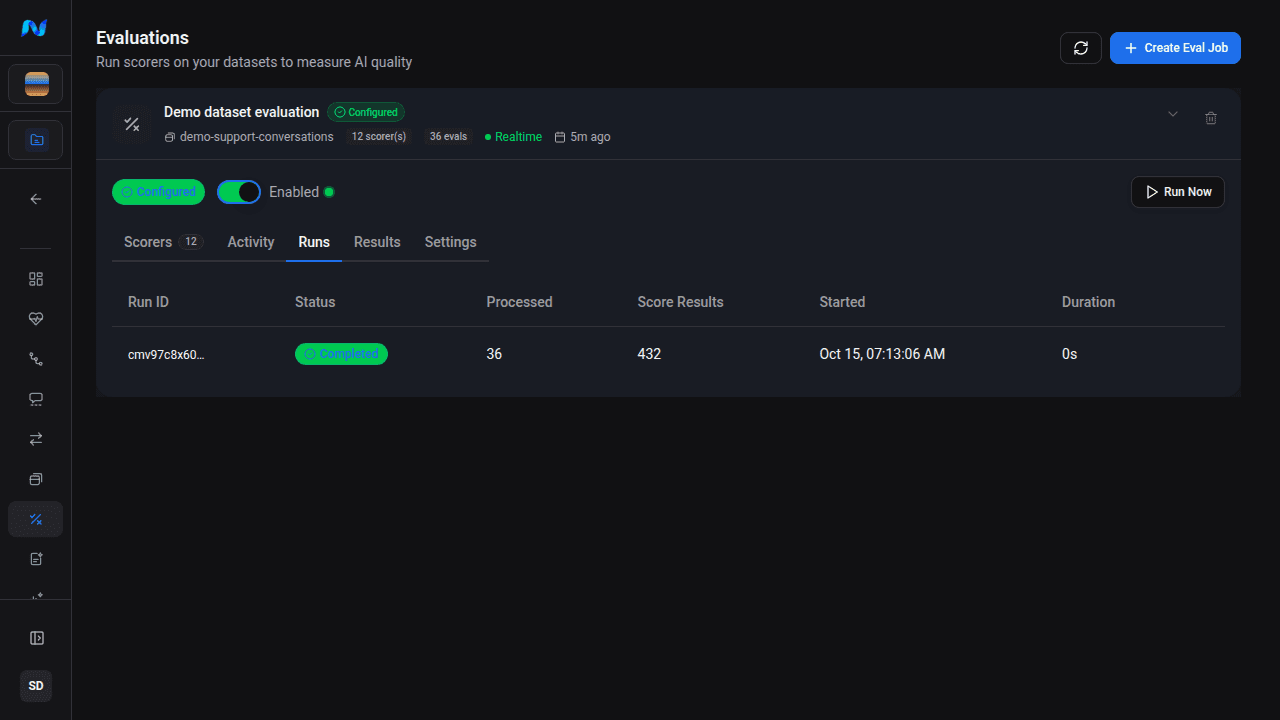
Read results with source evidence
Results can show the latest completed run, a specific completed run, or All runs mixed. Use a single run for controlled comparisons. Mixed results are useful for exploration because they keep the newest available item-scorer result across the included runs.
Start with per-scorer aggregates, then open the scorer drilldown and individual item reasoning. Follow the source trace when a failure depends on the original turn order, tool event, retrieval step, or latency evidence.
For evaluated conversation and workflow sequences, use Project Runs. Eval-job Runs is execution history, and ETL-job Runs is trace-to-dataset processing history.
The expected result is a completed run with a known item population, stable scorer configuration, visible aggregate statistics, and item-level evidence that can support a release decision.
Control ongoing cost
Premium evaluation cost is calculated from eligible items multiplied by selected Premium scorers. Use the live preview as the authority for a run. Smart Sampling can evaluate a percentage of new conversations and escalate selected failures through more expensive tiers.
Troubleshooting
| Symptom | What to check |
|---|---|
| No items match | Clear scorer comparisons, then verify date, environment, item type, text, and source-trace filters |
| A scorer has no valid aggregate | Open item rows and compare required fields, provider errors, and judge parsing errors |
| Cost is higher than expected | Matching item count, selected Premium scorers, Skip already evaluated, and Force re-evaluate |
| Results changed unexpectedly | Use one completed run and compare dataset version, scorer thresholds, provider/model, and mapped fields |
| You cannot trace a failure to production | Confirm the dataset item retained a source trace ID |