
AI providers
Connect credentials, select catalog or custom model IDs, and choose the organization default used by supported model-judged workflows.
The organization-level Providers page supplies provider connections and the organization default used by published built-in scorers that need an LLM judge. A private custom scorer can save its own provider, model, and temperature instead. Noveum-managed credit workflows - including AI Mapper generation and scorer recommendations - do not require an organization provider. NovaPilot can use an organization provider when configured and retains service-managed fallbacks.
Rule-based scorers need none of this - they are pure code. If you only use those, you can skip this page entirely.
Configure a provider before running a judge scorer or another workflow that explicitly asks for a provider. Manage them at Organization → Providers.
Before you start
Use a dedicated provider credential with the least access needed for evaluation. Know the exact provider model ID and, for Azure or a custom OpenAI-compatible service, the correct endpoint details. Never place a real API key in a screenshot, support message, or documentation example.
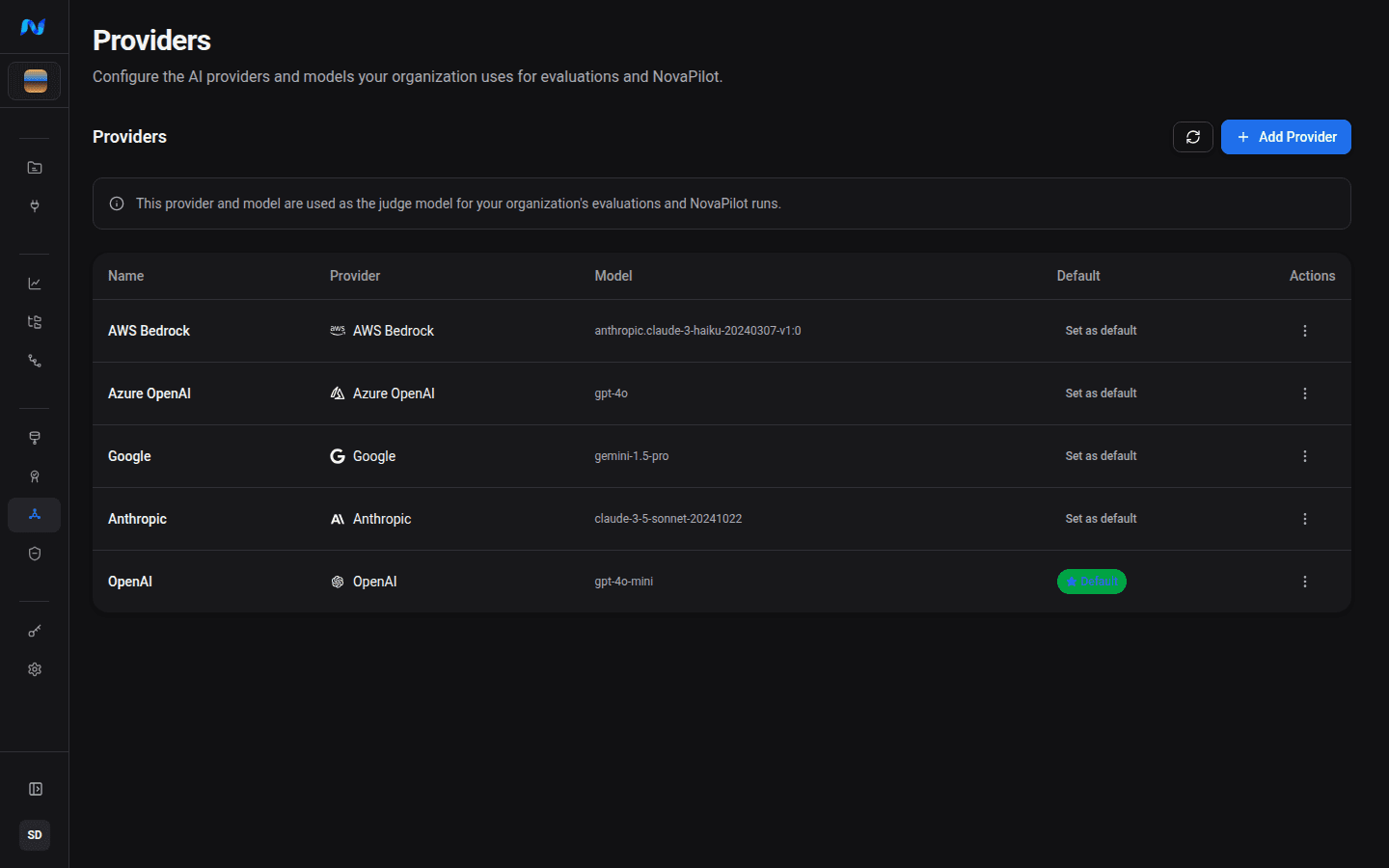
Supported providers
Every provider needs a display name and model ID. Credential fields vary by type:
| Provider | Required fields |
|---|---|
| OpenAI | API key; Base URL is optional |
| Anthropic | API key; Base URL is optional |
| API key | |
| AWS Bedrock | Access Key ID, Secret Access Key, Region |
| Azure OpenAI | API key, Endpoint, API Version |
| Custom (OpenAI-compatible) | API key, Base URL |
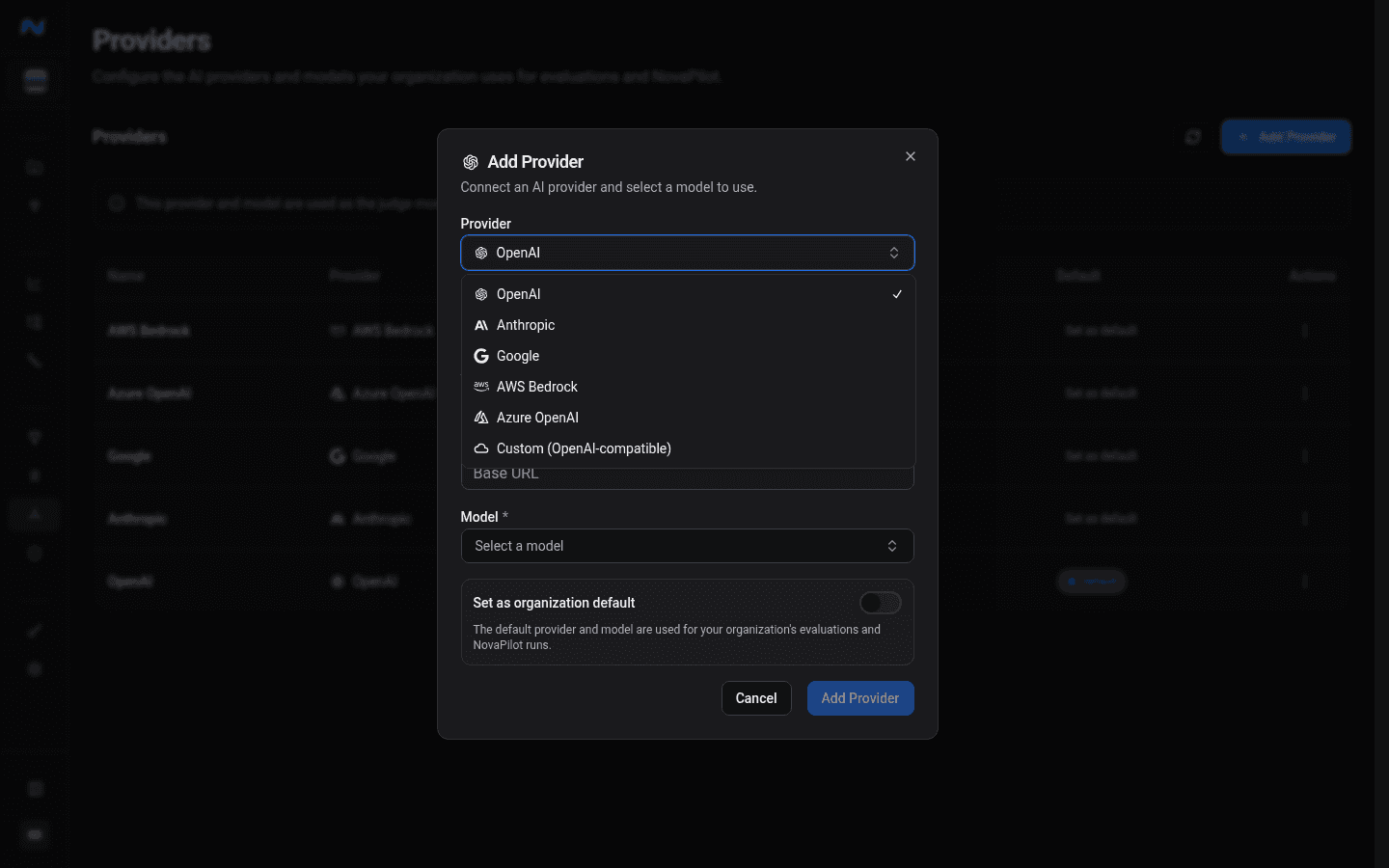
Adding a provider
- Open Organization → Providers and click Add Provider.
- Select the provider type - the form adjusts to show its required fields.
- Select a model. If a provider's catalog does not list the model you use, type its exact provider model ID and choose the custom-model option.
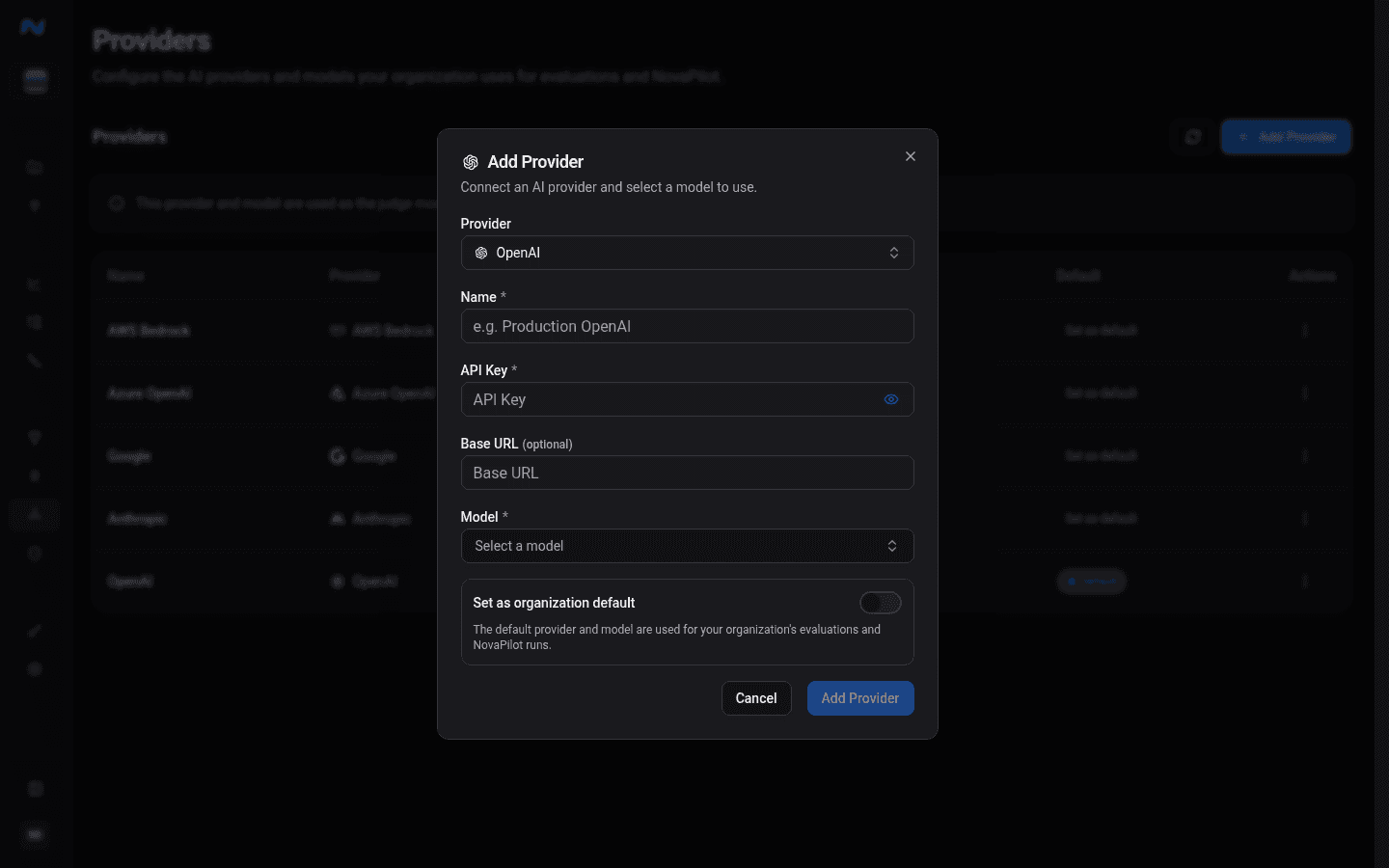
- Enter credentials and save. Noveum tests the connection before saving and encrypts the credentials at rest.
- Turn on Set as organization default if this provider and model should run published built-in judge scorers. Only private custom scorers can save a different judge configuration.
Editing and deleting
Click any provider row to update its name, model, endpoint, or credentials. Blank credential fields keep their stored values. Changing the Base URL or Endpoint is the exception: enter the API key again in the same save, or the change is rejected with "Re-enter the API key to change the base URL or endpoint." This keeps a stored key from being sent to a new host. Use Test connection after editing credentials or an endpoint.
Only one provider can be the organization default. Setting a new default demotes the previous one; removing the default leaves the organization without a fallback until another provider is selected.
Expected result
The provider appears in the organization directory with the intended type, model, and default state. A test connection succeeds, and a one-item model-judged evaluation can access the selected model.
Troubleshooting
A built-in judge scorer fails when the organization has no usable default provider. A custom scorer that references a deleted provider fails until you edit its judge configuration or restore the provider. The error surfaces on the run because credentials are resolved when the scorer executes.
For a custom model, enter the identifier exactly as the provider expects it. Test connection validates the endpoint and credentials; it does not send the selected model ID. Run a one-item evaluation to confirm that the provider account can access that model.
| Symptom | What to check |
|---|---|
| Add Provider remains disabled | Display name, model, and every required provider-specific credential |
| Test connection fails | Endpoint, region, API version, network access, and credential permissions |
| Test succeeds but an eval run fails | Exact model ID and the provider account's access to that model |
| A saved secret appears blank during edit | Blank fields preserve stored credentials; enter a value only when rotating it |
| Default provider is unexpected | Set the intended row as default; only one organization default is retained |
Next steps
- Eval jobs - configuring and running scorer sets
- Scorer catalog - which scorers need a judge and which are free