
Personas
Create synthetic users with distinct behavior, language, demographics, and voice conditions.
A persona defines how the synthetic user behaves during a NovaSynth run. Use personas to vary language, tone, interruption behavior, speaking speed, background conditions, and user context while keeping the scenario constant.
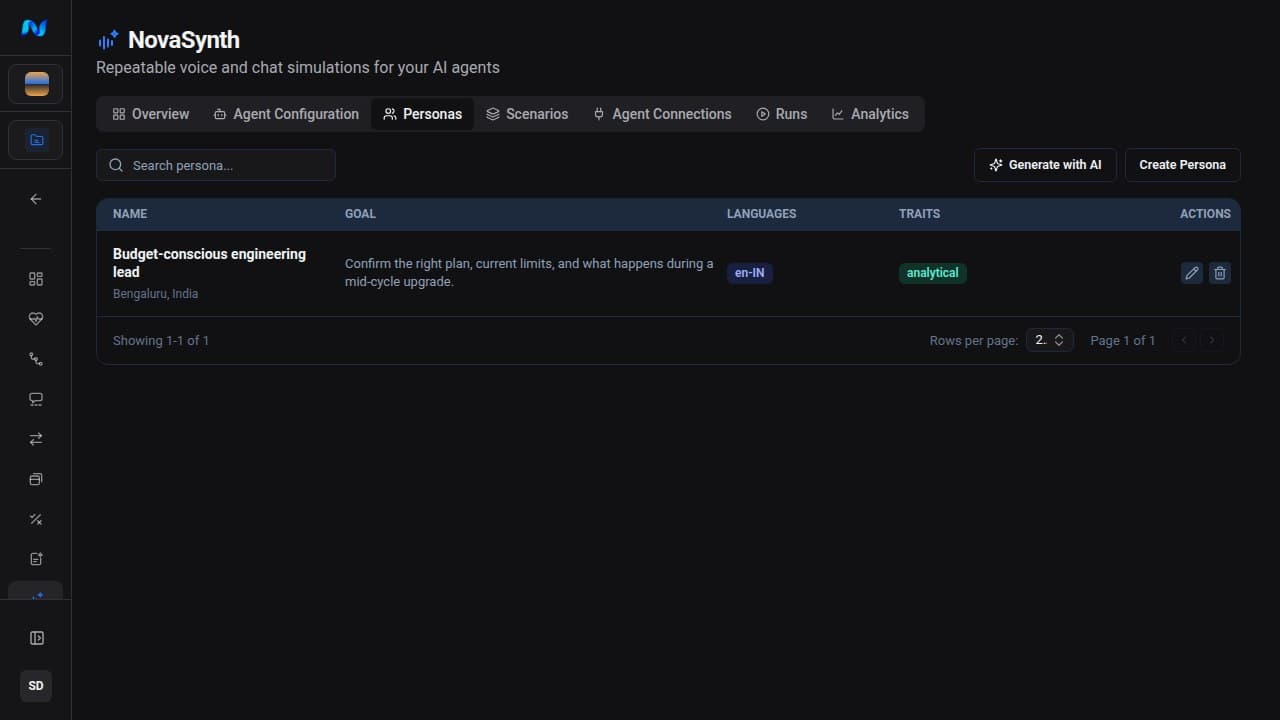
Create a persona manually
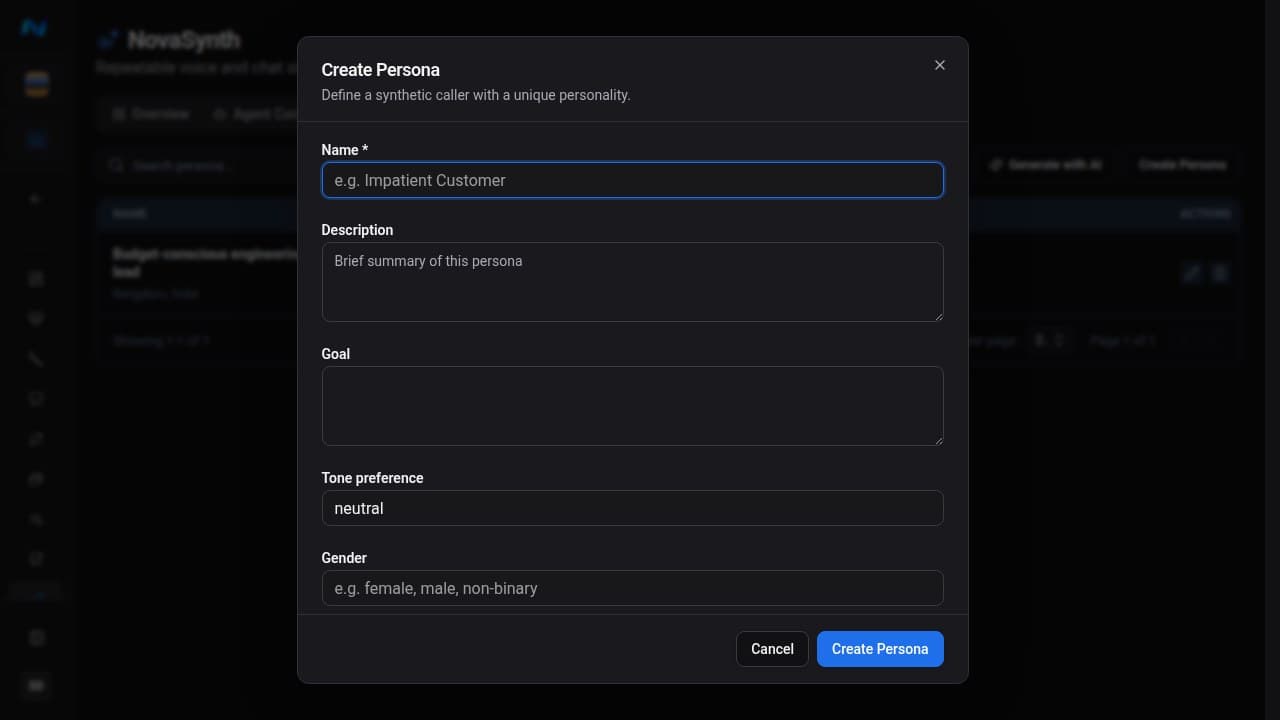
The manual editor provides:
| Group | Available fields |
|---|---|
| Identity | Goal, description, tone preference, gender, age, occupation, location, education level |
| Behavior | Patience from 0 to 1, speaking speed from 0.7 to 1.2, personality traits |
| Call conditions | Background noise type, level from 5 to 200, and mode, accent, and Max duration (s) from 60 to 600 |
| Language and context | Primary languages, understood languages, knowledge-base topics, tags |
| Voice | ElevenLabs voice and TTS model |
| Custom context | Additional Config key-value attributes |
Background noise mode chooses whether the noise is mixed under the caller's speech (Mix under speech) or plays for the whole call (Ambient for the whole call).
Max duration (s) caps calls for this persona. When the batch also sets Max call duration (s), a voice run stops at whichever cap is lower.
Scroll down to select a voice, TTS model, tags, and additional key-value context:
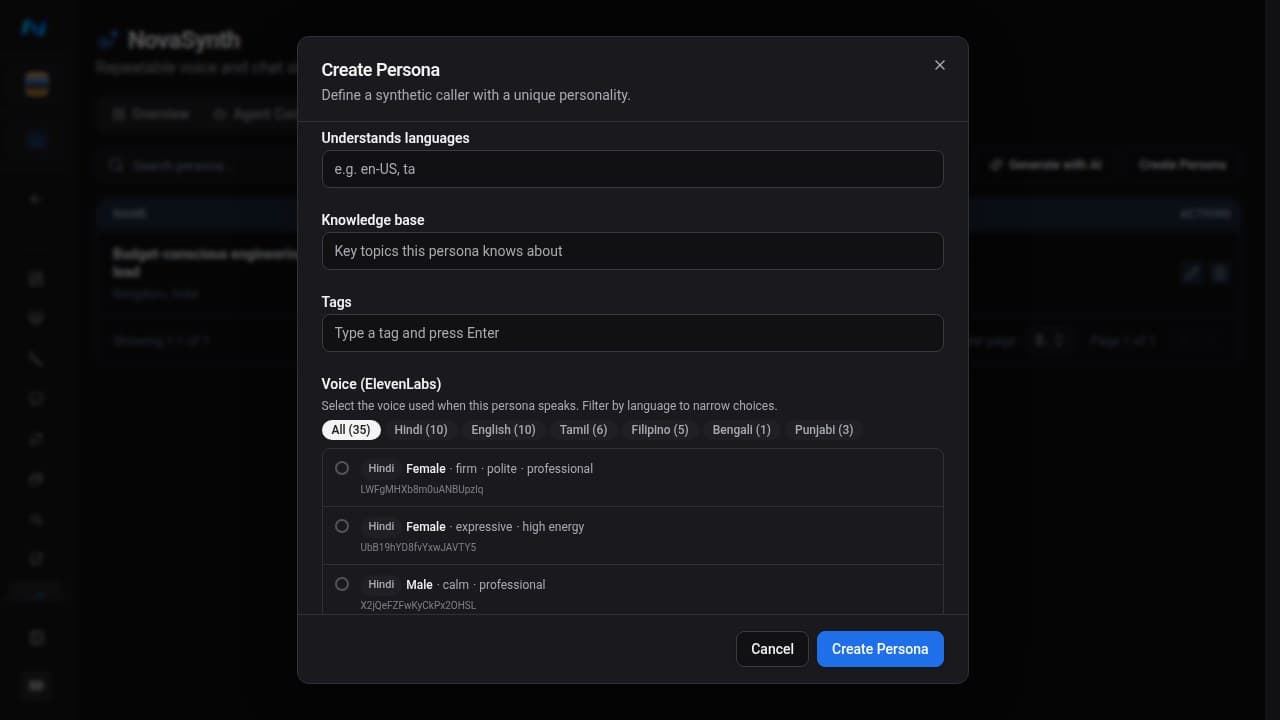
Pick a voice from the ElevenLabs list and filter it by language, or click Enter custom ID to paste any ElevenLabs voice ID, including cloned and generated voices.
Choose a TTS model
The TTS model picker checks each model against the persona's Primary language(s):
- Automatic, the default, chooses a compatible model from the persona's spoken languages and shows the recommended model.
- Catalog models list their supported languages and are flagged when they miss a spoken language, are unavailable in the voice runtime, or are deprecated.
- Advanced: custom model accepts an exact
provider:modelidentifier. NovaSynth cannot verify a custom model's language support.
Add the persona's spoken languages before choosing a model so the picker can check compatibility. A voice run fails before the call starts when the persona's TTS model does not support one of its spoken languages, when the model is unavailable in the voice runtime, or when Automatic finds no model for the languages. The run error names the model and the unsupported languages. The model catalog is also available from GET /api/v1/novasynth/voice-models, filtered with an optional language query parameter.
Use the same persona across several scenarios to determine whether failures are tied to a user's behavior rather than to the conversation flow.
Generate personas with AI
Generate with AI creates several personas asynchronously from an agent system prompt.
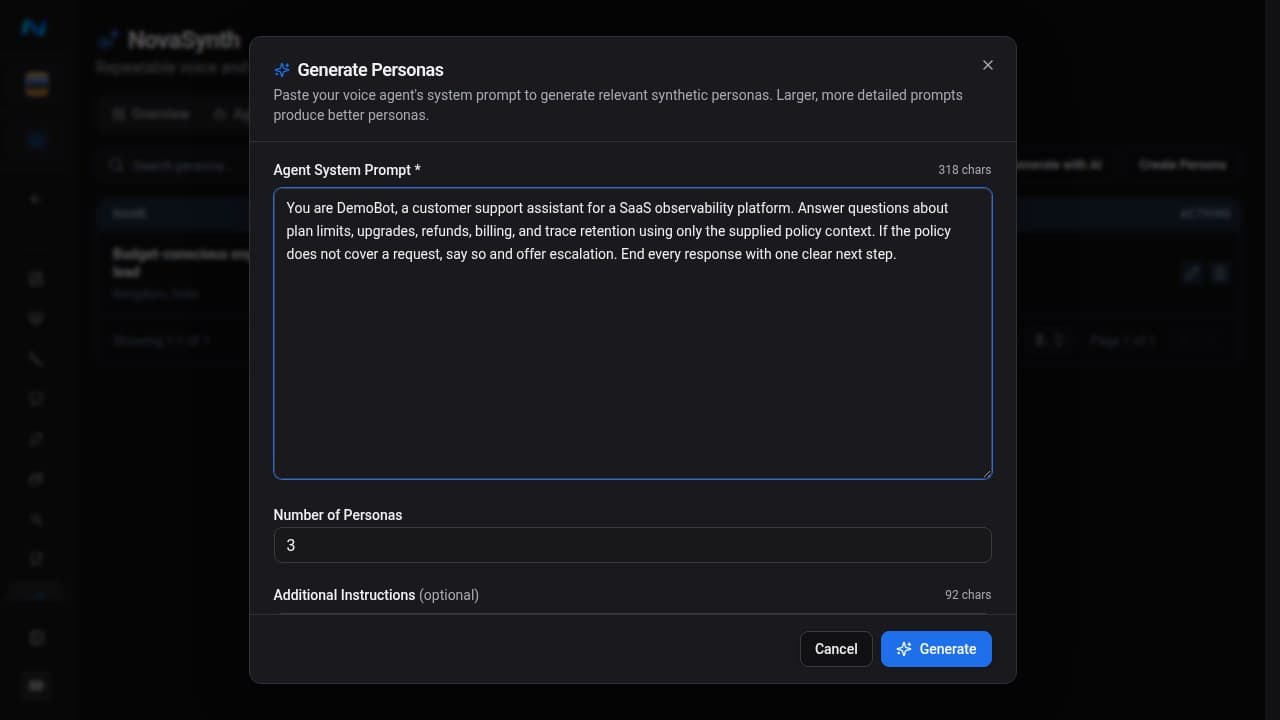
After submission, the dialog closes and the Personas page displays the active generation job:
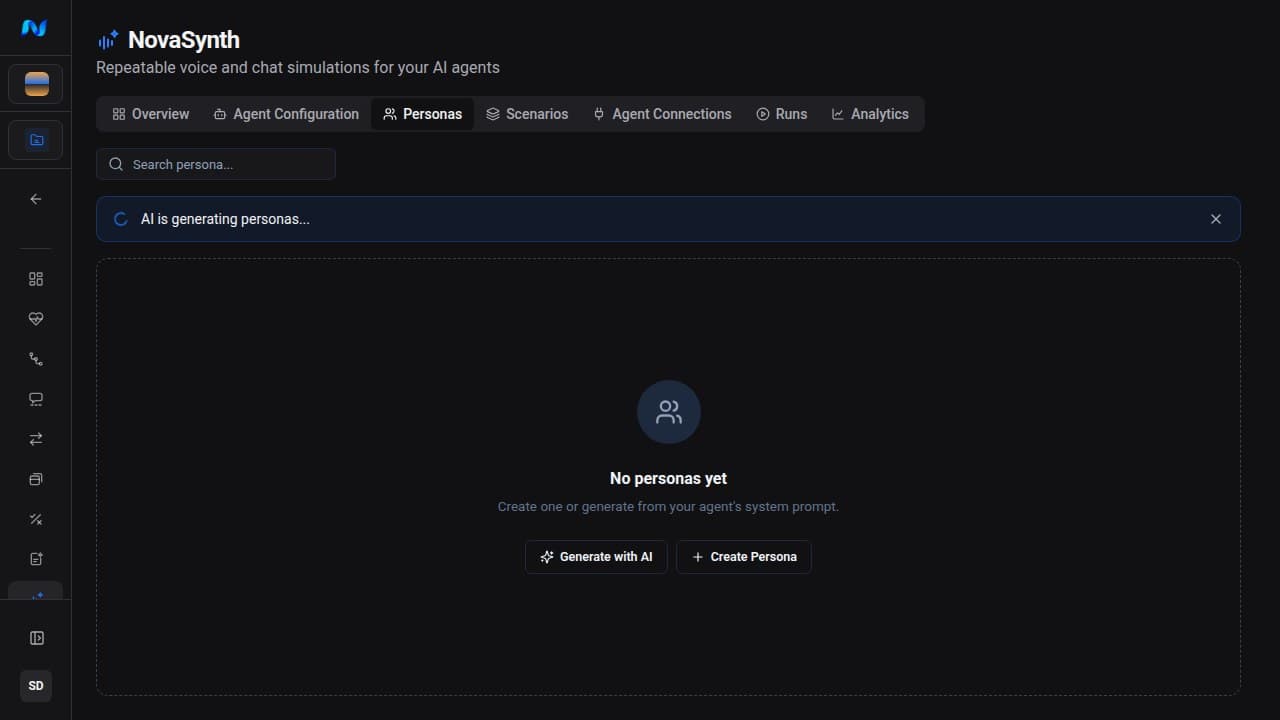
AI-generated personas include a goal and behavior fields inferred from the prompt and your one-time instructions. The banner reports completed, failed, or cancelled generation and refreshes the list after success.
Generation proposes test records; it does not call the connected agent. Before running a generated persona, verify its goal, languages, speaking behavior, voice selection, background-noise settings, and custom context. Edit anything that is unsafe, unrealistic, duplicated, or outside the agent's intended audience.
Useful generation instructions describe the variation you want, for example:
Include one impatient customer, one first-time user, and one bilingual user. Cover both confident and uncertain communication styles.
Review and maintain personas
The list shows names, goals, languages, traits, and tags. Search it with Search persona..., click a row to open the full persona details, or use the pencil action to edit it. You can delete an unreferenced persona to remove it from future selections, but deletion is blocked after any synthetic run references that persona. This restriction preserves the source persona for existing run records. Create a replacement persona when future tests need different behavior.
Before a large batch:
- remove duplicate personas;
- make language and voice settings compatible;
- keep demographic details relevant to the behavior being tested;
- avoid real personal data;
- use stable names so the run matrix remains readable.